Localization at Scale Practical Steps to Rank in Multiple Cities

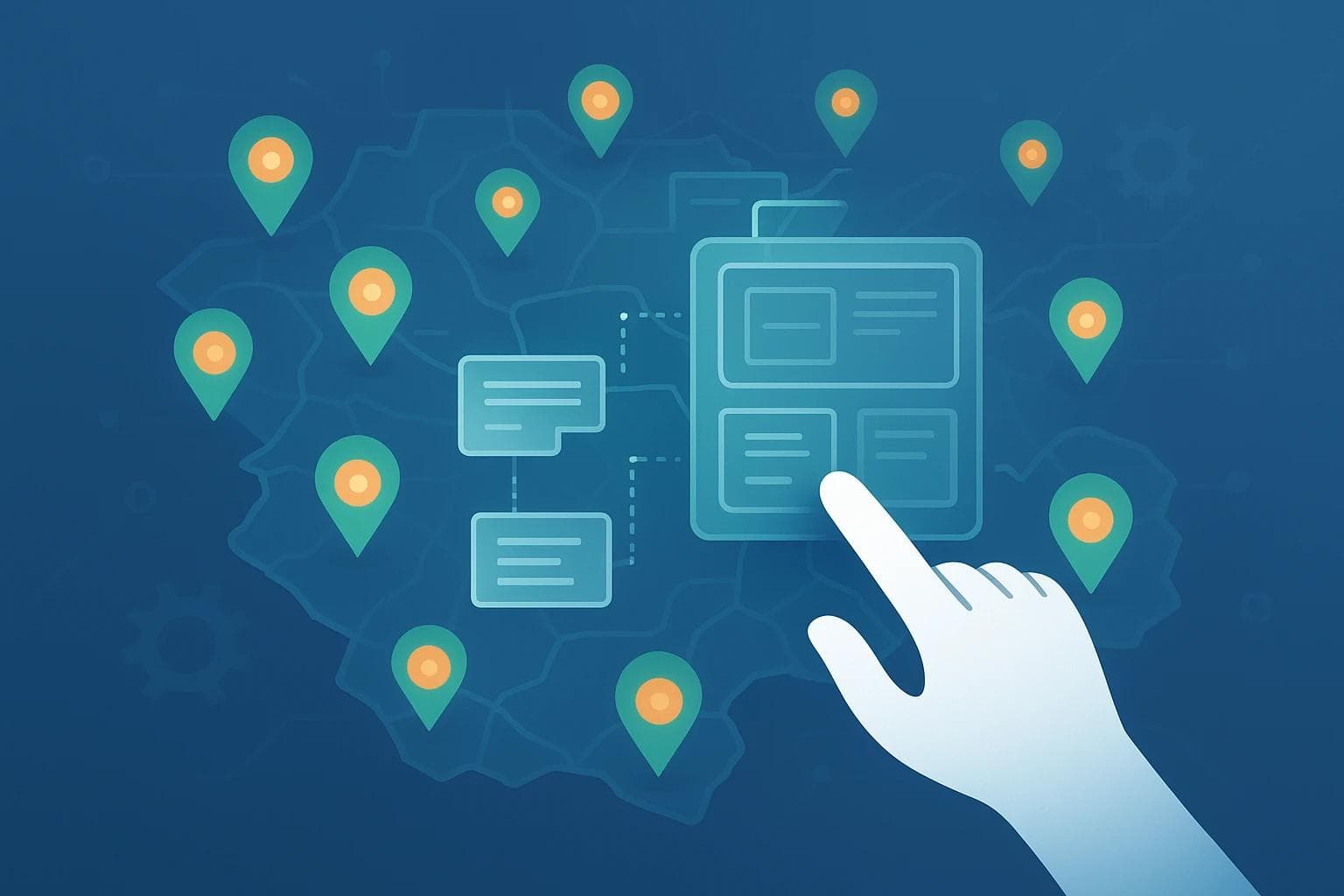
Localization at Scale: Practical Steps to Rank in Multiple Cities Without Extra Writers
You're crushing it in your home city. Your services are in demand, customers love you, and your local search ranking is solid. Now, you’re looking at the map. The next town over, and the one after that, are full of potential customers. The only problem? The thought of creating and managing unique websites or landing pages for every single new location feels like hiring a whole new marketing team.
What if you could expand your digital footprint across ten, twenty, or even fifty cities without hiring a single extra writer?
It’s not a fantasy. It’s a strategy. It’s about building a smart system, not just more pages. By shifting your mindset from manual creation to scalable templating, you can unlock growth that once seemed impossible for a lean team. You can dominate local search in multiple locations by working smarter, not harder.

What is Localization at Scale (and What It Isn't)?
When people hear "localization," they often think of translating a website into different languages. But for ranking in multiple cities, it's something different.
Localization at scale is the process of creating a repeatable system to generate unique, locally relevant content for multiple geographic areas.
It is NOT:
- Copy-pasting a page and swapping out the city name. This is a fast track to being ignored by Google.
- Simply translating content. A customer in Austin, Texas has different local reference points and needs than one in Austin, Minnesota.
- A one-time project. It’s an ongoing strategy built on an intelligent, scalable framework.
The core challenge most businesses face is what experts at Backlinko call "scaling without the chaos." How do you maintain consistency, quality, and local relevance across dozens of pages without your process falling apart? The answer lies in a philosophy we call "Template, Not Just Tweak."
The "Template, Not Just Tweak" Philosophy for Local SEO
The secret to scaling isn't writing every page from scratch. It’s designing a master template so robust and intelligent that it can generate countless unique variations. Think of it like a high-tech cookie cutter. The shape (the template) is consistent, but every cookie (the local page) can have unique decorations (geo-specific content).
The Anatomy of a High-Ranking Local Page Template
A powerful local template is modular. It has fixed components that stay the same everywhere and variable components that change for each city.
Your Fixed Components (The Foundation):
- Core Service Description: The fundamental explanation of what you do.
- Brand Mission/About Us: Your company's story.
- Standard Calls-to-Action (CTAs): "Get a Free Quote," "Contact Us."
- Brand Logos and Imagery: Consistent visual identity.
Your Variable Components (The Local "Flavor"):
- Headline: "Expert Roofing Services in [City Name]"
- Introduction: A unique opening paragraph that mentions a local landmark or common problem.
- Local Proof: Testimonials from customers in that specific city.
- Geo-Specific FAQs: Questions relevant only to that area (e.g., "Do I need a special permit for deck installation in [City Name]?").
- Local Team Members: Photos and bios of staff who serve that area.
- Local Address & Phone Number (NAP): Critical for local search signals.
- Embedded Map: A Google Map of your service area or office in that city.
Structured Content: Your Secret Weapon for Scalability
This modular approach is what tech leaders at Adobe for Business call "structured content." Instead of writing one long, unstructured document, you create content in small, labeled pieces.
Imagine your website's backend isn't one big text box. Instead, it has fields like:
[City_Name][Local_Landmark][City_Specific_Testimonial][Local_FAQ_1]
When you structure content this way, you turn the messy art of writing into a clean science of assembly. It becomes the engine that allows a small team—or even an automated system—to build hundreds of unique pages from a single template.
Generating Unique Geo-Specific Content Without a Writing Army
This is where the theory becomes reality. How do you actually get that unique local content for 50 different cities? You don’t need 50 writers; you need a 5-step workflow.
Step 1: Create Your Master Content Template
Design your local landing page with placeholders for all your variable components. This is your blueprint for every location page you'll ever create.
Step 2: Gather Your Local "Ingredients"
For each target city, create a simple spreadsheet to collect your unique data points. This is your "local content database." Include columns for:
- City Name
- State/Province
- Local Phone Number (if applicable)
- Main Local Competitor
- A Well-Known Local Landmark or Neighborhood
- A Common Local Problem You Solve (e.g., "Hard water in Phoenix," "Snow load in Denver")
- A Testimonial from a Client in That City
- A Project or Case Study from That City
Step 3: Use AI as Your "Local Content Co-Pilot"
You don’t need AI to write the whole page. You need it to be your creative assistant for the most important parts. Use your "local ingredients" spreadsheet to feed it specific, powerful prompts.
Example Prompt:"Write a friendly and compelling 100-word introduction for a landing page for 'EcoClean Home Services' targeting homeowners in [City Name]. Mention how our services help them enjoy local attractions like [Local Landmark] instead of worrying about cleaning. Address the common local issue of [Common Local Problem]."
By feeding the AI specific, structured data, you get unique, relevant content every time—without the guesswork.
Step 4: Automate the Assembly
With your template defined and your unique content generated, the final step is assembly. This can be done manually by a VA or programmatically. Advanced Content Management Systems (CMS) and platforms like Fonzy.ai’s automated content creation system are designed to do this automatically, pulling data from your spreadsheet and AI-generated snippets to publish fully optimized pages on a schedule.
Step 5: Implement Smart Internal Linking
As you publish new city pages, make sure they are linked from other relevant pages on your site, like a main "Service Areas" page. This helps Google discover your new pages and understand your geographic reach. A strong internal linking strategy is crucial for distributing authority across your site.

Beyond Keywords: Prioritizing Local Intent Signals at Scale
To truly rank, your pages must satisfy "local search intent"—the underlying reason a person is searching. A user typing "plumbers in Dallas" has a different need than someone typing "how to fix a leaky faucet." Your template needs to cater to these different intents.
Transactional Intent: The user wants to hire someone now.
Informational Intent: The user wants to learn something.
- How to Signal It: Geo-specific FAQ sections ("How does [City]'s climate affect my roof?"), blog post snippets about local codes, or guides to choosing the right service provider in their area.
Navigational Intent: The user wants to find a specific physical location.
- How to Signal It: Embedded Google Maps, clear driving directions from a major landmark ("We're just 5 minutes from [Local Landmark]"), and consistent NAP information.
By building modules for each of these intent signals into your master template, you ensure every page you publish is a powerful magnet for high-quality local traffic.

The Big Question: Won't Templated Pages Cause Duplicate Content Issues?
This is the number one fear holding businesses back, and it’s based on a misunderstanding. Google's duplicate content penalties are designed to stop spammy, low-value sites—not legitimate businesses providing localized services.
Think of it this way: if a national brand has a store in 500 cities, Google doesn't expect them to write a completely different "About Us" page 500 times. It understands that the template provides the structure, while the unique local details provide the specific value.
As long as your templated pages contain genuinely unique and helpful information for each location (like the local testimonials, city-specific FAQs, and localized introductions we discussed), you are adding value, not duplicating it. You are signaling to Google that you are a relevant local authority in each city you serve.
Frequently Asked Questions (FAQ)
How many cities can I target without a physical address in each one?
For service area businesses (like plumbers, roofers, or consultants) that travel to customers, you can create pages for any city you genuinely serve. The key is to prove your connection to that area with local testimonials, project photos, and specific content. However, for your Google Business Profile, you should only have one profile centered on your actual physical address.
Do I need a separate Google Business Profile for each city?
No. According to Google's guidelines, you should only have one Google Business Profile for your business's physical location. You can, however, define a "service area" within your profile that lists all the cities and zip codes you serve. Your location pages support and reinforce this service area.
What are some free or low-cost tools to start with?
- Google Sheets: Perfect for creating your "local ingredients" database.
- A Good CMS (like WordPress): Use a page builder to create your master template visually.
- AI Writing Tools (like ChatGPT or Jasper): Use the free or starter tiers to generate your unique content snippets with targeted prompts.
How do I get local backlinks for all these pages?
Start by looking for digital "Chambers of Commerce" or local business directories in each target city. Sponsor a local youth sports team or charity event in a new service area and ask for a link from their website. These geo-specific links are powerful signals to Google.
Your Roadmap to Scaling Local Reach
Expanding your business into new territories doesn't have to be a resource-draining nightmare. By adopting a systematic approach, you can achieve scalable growth.
- Build Your Master Page Template: Design a modular page with placeholders for all your unique, local content.
- Create a "Local Data" Database: Systematically gather your local ingredients for each target city in a spreadsheet.
- Leverage AI for Unique Content: Use targeted prompts to generate localized intros, FAQs, and other text snippets at scale.
- Systematize Publishing: Create a workflow to assemble and publish your new pages consistently.
- Monitor and Refine: Use analytics to track which city pages are performing best and double down on what works.
The path to multi-city ranking isn't about more writers; it's about a better process. By building an intelligent, automated content engine, you create a powerful and sustainable advantage that allows your business to grow wherever opportunity exists. When you're ready to see how automation can transform your content strategy, explore how a data-driven SEO plan can put this entire process on autopilot.
Roald
Founder Fonzy — Obsessed with scaling organic traffic. Writing about the intersection of SEO, AI, and product growth.
Stop writing content.
Start growing traffic.
You just read about the strategy. Now let Fonzy execute it for you. Get 30 SEO-optimized articles published to your site in the next 10 minutes.
No credit card required for demo. Cancel anytime.

How Content Frequency Affects SEO Rankings and What to Prioritize
Explore how balancing content speed and quality impacts SEO and learn when to focus on velocity or perfection.
5 Signs Your Content Strategy is Losing Customers
Discover key signs your content strategy is stuck and quietly losing customers before it impacts your growth.
How to Measure SEO ROI with Business Metrics
Learn simple ways to measure SEO ROI focusing on leads, conversions, cost, and customer value beyond keywords and rankings.