
Your Small Team's Secret SEO Weapon: A Simple Guide to Internal Linking
If you're part of a small team, your to-do list is probably a mile long. You're creating content, managing social media, and serving customers, all while trying to grow your business. The idea of adding "complex SEO" to the mix can feel overwhelming, if not impossible.
But what if there was one powerful, often-overlooked strategy that you could start implementing today, without any fancy tools or a big budget?
That strategy is internal linking.
Too often, we think of internal links as a simple chore—a way to point readers from one page to another. But the reality is far more profound. A smart internal linking system doesn't just connect pages; it weaves them together into a powerful "spiderweb" of expertise. This web signals deep topical authority to search engines like Google, helps users discover more of your valuable content, and, most importantly, lays the groundwork for the future of SEO.

This guide is designed specifically for small, busy teams. We'll skip the overly technical jargon and focus on replicable patterns and simple procedures that you can bake into your existing workflow. You'll learn how to turn your content from a collection of disconnected islands into a cohesive, authority-building powerhouse.
The ABCs of Internal Linking (What, Why, and What Matters for You)
Before we get into the "how," let's quickly cover the fundamentals from the perspective of a small team with limited resources.
What Is an Internal Link, Really?
An internal link is simply a hyperlink that points from one page on your website to another page on the same website. When you write a blog post and link to your "About Us" page, that's an internal link. Simple as that.
Why Internal Links Are a Game-Changer for Small Teams
This is where the magic happens. Internal linking isn't just about navigation; it’s a multi-tool for growth.
- They Guide Your Users: Smart links help your readers go deeper. If you mention a foundational concept in an advanced article, you can link back to the beginner's guide, creating a seamless learning path. This keeps people on your site longer, signaling to Google that you provide real value.
- They Boost Your SEO: Internal links act as a roadmap for search engine crawlers. They help Google discover all your pages, understand the relationships between them, and distribute "authority" (or "link equity") throughout your site. A new blog post that gets a link from your high-traffic homepage is instantly more visible and authoritative in Google's eyes.
- They Build Context for AI: This is the part most guides miss. Search engines are becoming answer engines. They use advanced AI to understand topics, not just keywords. A well-linked site creates a clear, logical structure that essentially "trains" AI to see you as an expert on your topic. Every contextual link you add is another data point telling Google, "Hey, these concepts are related, and we know a lot about them."
The Only Two Types of Links to Focus On (For Now)
There are several types of internal links, but for a small team, only two require your strategic attention:
- Contextual Links: These are the superstars. They are the links you place within the body of your content (like this one would be if it pointed to another article on our blog). They are incredibly powerful because the text you use to link—known as "anchor text"—gives both users and search engines powerful context about the destination page.
- Navigational Links: These are the links in your main menu, footer, and sidebar. They form the basic skeleton of your site. You likely already have these set up, so the key is just to ensure they point to your most important pages.

From Chaos to Clarity: Replicable Linking Systems for Busy Teams
Knowing the "what" and "why" is great, but the real challenge is the "how"—especially when you're short on time. Forget complex audits and spreadsheets. Here are simple, repeatable systems you can implement immediately.
The "Topic Cluster Lite" Approach: Connect What You Already Have
You've probably heard of "pillar pages" and "topic clusters." It sounds intimidating, but the core idea is simple: have one main, comprehensive page on a topic (the pillar) and link out from it to more specific sub-topic pages (the cluster).
For a small team, here's the "lite" version:
- Identify Your Pillars: Look at your analytics. What are your 3-5 most popular, comprehensive blog posts? These are your accidental pillar pages.
- Strengthen the Core: Open up one of those pillar posts. Read through it and find every opportunity to link out to your smaller, more specific articles that touch on sub-topics.
- Link Back to the Pillar: Now, go to those smaller articles and make sure each one has at least one link pointing back to the main pillar page.
That's it. You've just created a topic cluster, strengthening the authority of all the pages involved.
The 5-Link Rule: Your Content Creation Checklist
This SOP bakes internal linking directly into your writing process, turning it from a chore into a habit.
For every new piece of content you create, your goal is to add 5 internal links:
- Link OUT x3: Find at least three older, relevant posts on your blog to link out to from your new article. This passes authority to your existing content.
- Link IN x2: Find at least two older, relevant articles and edit them to add a link to your brand-new post. This gives your new content an immediate authority boost.
This simple process ensures no new content is published in isolation and that your older content is continually refreshed with new, relevant links.
Anchor Text Made Simple: Say What You Mean
Anchor text is the clickable text of a link. Avoid generic phrases like "click here" or "read more." Instead, use descriptive, natural-sounding text that tells the reader (and Google) what the destination page is about.
- Bad: To learn more about our process, click here.
- Good: Our five-step content strategy process ensures consistent results.
You don't need to stuff keywords. Just be descriptive and vary your anchor text to keep it natural.
The "Orphan Page Hunt": A 15-Minute Monthly Task
An "orphan page" is a page with no internal links pointing to it, making it nearly impossible for search engines and users to find. Once a month, take 15 minutes to hunt for them.
The easiest way? Go to Google and search: site:yourdomain.com
Scroll through the last few pages of the results. You'll often spot older articles you'd forgotten about. Open one up, then use the site search again (site:yourdomain.com "keyword from orphan page") to quickly find other relevant pages on your site that you can link from.
Getting Ready for the Future: How Manual Linking Prepares You for AI
Here’s the "aha moment" that puts your small team ahead of the curve. All the simple, manual work you're doing now isn't just for today's SEO—it's building the perfect foundation for tomorrow's AI-driven tools.
You're Already Training the AI
Every time you create a contextual link with descriptive anchor text, you're creating a structured data point. You are teaching Google's algorithms how your content is semantically related. This manual effort builds a clean, logical map of your expertise.
A website with a messy, illogical internal linking structure is like a library with no card catalog. AI can't make sense of it. A site with a clean, deliberate linking structure—even one built manually with these simple SOPs—is perfectly organized, making it easy for AI to recognize your authority and serve your content in search results and AI-powered answers.
The Leap to Smart Automation
As your site grows, managing hundreds of links manually can become a bottleneck. This is where AI-powered automation comes in. Tools are emerging that can analyze your entire site, understand the context of every page, and automatically suggest or even implement the most effective internal links.
But here's the key: these tools work best on a site that already has a solid foundation. By implementing these simple systems now, you are making your website "AI-ready." When the time comes to scale, you won't have to undo years of bad habits. You'll simply be layering powerful automation on top of an already strong, coherent structure.

Your Simple Internal Linking Playbook
Feeling motivated? Here's how to put it all into practice.
Weekly SOP (When Writing New Content):
- [ ] As you write, identify 3 older posts to link out to.
- [ ] Once published, identify 2 older posts to add a link to your new article.
- [ ] Use natural, descriptive anchor text for all links.
Monthly SOP (15-Minute Content Audit):
- [ ] Spend 15 minutes on an "Orphan Page Hunt."
- [ ] Pick one of your "pillar" articles and see if there are any new, relevant posts you can link out to.
Frequently Asked Questions (FAQ)
What's the difference between an internal and external link?An internal link connects to another page on your own website. An external link (or outbound link) connects to a page on a completely different website.
How many internal links are too many?There's no magic number. A good rule of thumb is to focus on user value. If the link is genuinely helpful and relevant to the reader, add it. A 2,000-word article could easily have 10-15 helpful internal links without being spammy. The key is to make them contextually relevant, not just to add links for the sake of it.
Do links in the navigation or footer count?Yes, they absolutely count. They are powerful for signaling your most important pages to Google (like your Contact, Services, or Blog page). However, contextual links within your content carry more specific weight because the surrounding text provides rich context.
Should all my anchor text be my exact target keyword?No, this is an outdated practice called "keyword stuffing" that can get you penalized. Your anchor text should be natural and varied. Link with related phrases, questions, and descriptive sentences. The goal is to create a profile that looks natural to both users and search engines.
Start Building Your Content Web Today
Internal linking isn't just another task to check off your SEO list. It's the strategic framework that transforms your content from a random collection of articles into an interconnected web of authority.
For small teams, it's the great equalizer. It costs nothing but a little intention and consistency. By implementing these simple, replicable systems, you can significantly improve your user experience, boost your search rankings, and build a powerful foundation for an AI-driven future.
Don't try to do everything at once. Pick one thing from this guide—like the 5-Link Rule for your next post—and start today. You'll be amazed at the impact such small, consistent efforts can have.

Roald
Founder Fonzy — Obsessed with scaling organic traffic. Writing about the intersection of SEO, AI, and product growth.
Stop writing content.
Start growing traffic.
You just read about the strategy. Now let Fonzy execute it for you. Get 30 SEO-optimized articles published to your site in the next 10 minutes.
No credit card required for demo. Cancel anytime.
What Makes a Good Content Brief A Marketer's Checklist
Discover how a clear content brief unblocks writers and guides better content creation with our essential marketer's checklist.
Calculate the True Cost of Slow Content Production
Discover how delays in content creation lead to lost traffic, leads, and revenue with a simple calculation framework.
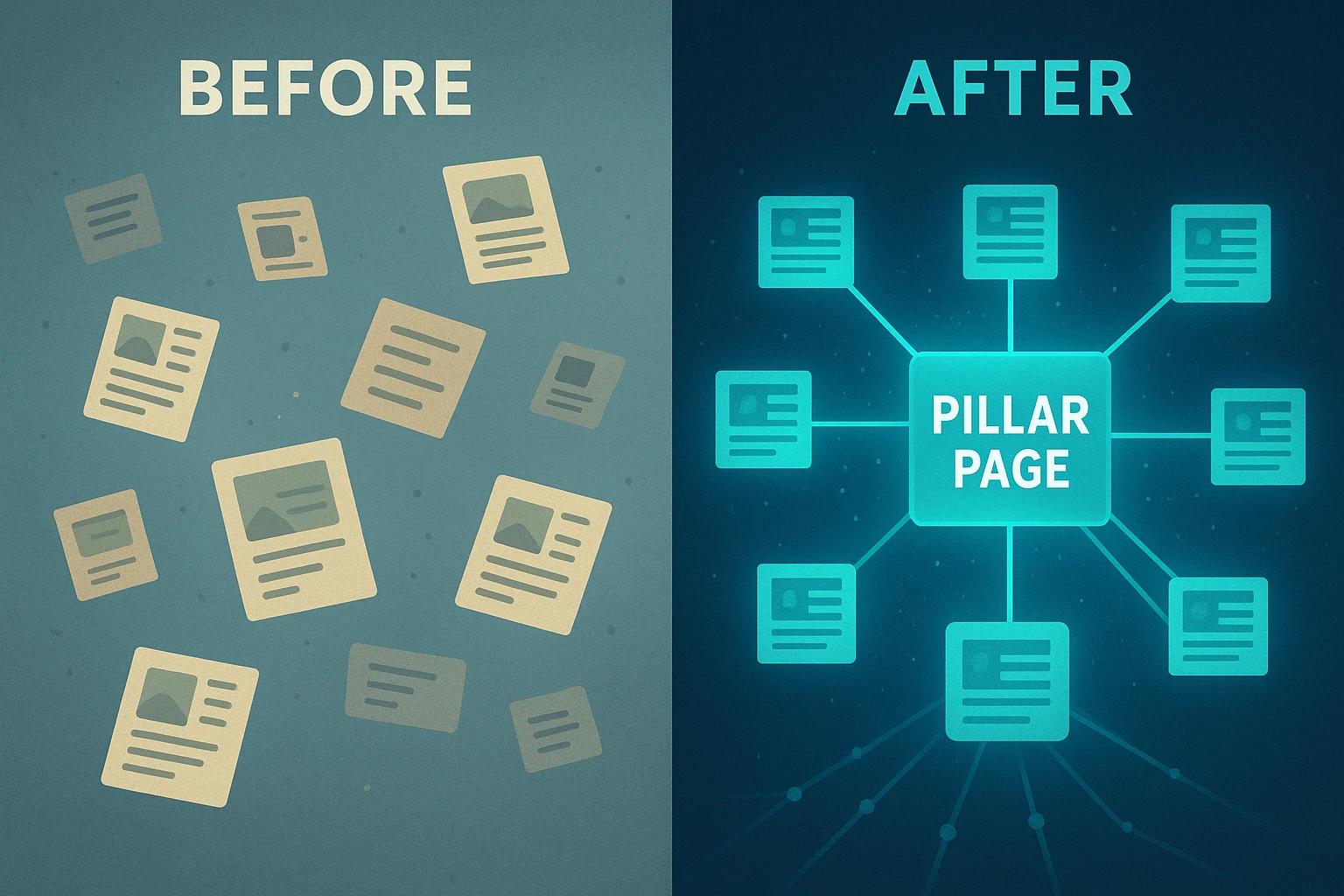
How to Build Topic Hubs Using Your Existing Content
Learn how to organize your current articles into topic hubs for better SEO without creating new content or hiring writers.