
PageSpeed Insights
Technical SEOBest for: Web developers, SEO specialists, and site owners who need an authoritative, free tool to diagnose page performance issues and assess Core Web Vitals compliance.
Google's official tool for measuring page performance and Core Web Vitals
Company
Integrations
Pricing
Starting at Free
Setup
What is PageSpeed Insights?
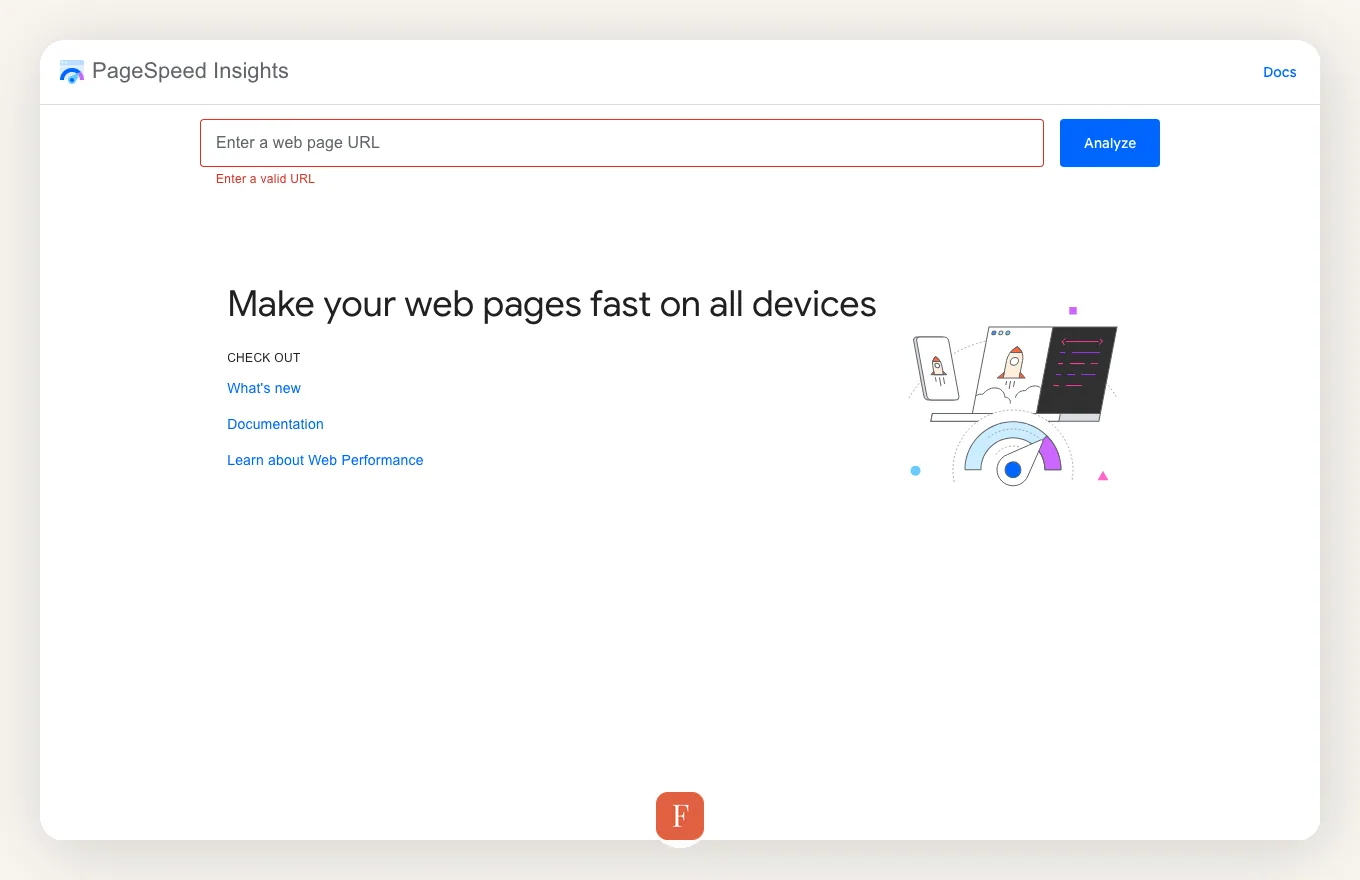
PageSpeed Insights (PSI) is Google's authoritative, free-to-use web-based tool designed to help website owners, developers, and SEO professionals assess the performance, accessibility, best practices, and SEO of their web pages. It provides a comprehensive report by analyzing a given URL against Google's Lighthouse audit engine, delivering both "Lab Data" (simulated performance under controlled conditions) and "Field Data" (real-user performance metrics from the Chrome User Experience Report, or CrUX). This dual perspective is crucial for understanding how a page performs for actual visitors versus a theoretical test.
The tool's primary focus has increasingly centered around Core Web Vitals (CWV) – a set of real-world, user-centric metrics that quantify key aspects of the user experience, including loading performance (Largest Contentful Paint - LCP), interactivity (First Input Delay - FID, now Interaction to Next Paint - INP), and visual stability (Cumulative Layout Shift - CLS). PSI clearly indicates whether a page passes or fails these vital metrics, which are known ranking signals for Google Search. Beyond CWV, it offers detailed diagnostics, identifying specific opportunities for improvement, such as reducing server response times, optimizing images, eliminating render-blocking resources, and improving JavaScript execution.
While PageSpeed Insights is an indispensable resource for identifying performance bottlenecks, its strength lies in diagnosis rather than prescription. It tells you *what* is slow or broken, but not necessarily *how* to fix it for those without a technical background. The recommendations can be highly technical, requiring developer expertise to implement. Furthermore, the "Lab Data" provides a snapshot from a single test server, which may not always perfectly reflect the diverse real-world conditions users experience. Its "Field Data," however, offers a more robust, aggregate view of actual user performance, making it invaluable for understanding true impact.
Ultimately, PSI is best suited for those who need an official Google perspective on their website's performance and Core Web Vitals status. It serves as a critical first step in any performance optimization strategy, offering a clear roadmap of areas requiring attention. Its limitations mainly stem from its diagnostic nature, requiring external knowledge or tools for the actual implementation of fixes.
Key Features
Measures LCP, INP, and CLS against Google's thresholds, indicating pass/fail status for user experience.
Provides simulated performance metrics and diagnostic insights from a controlled environment, crucial for identifying issues.
Incorporates real-user performance data from the Chrome User Experience Report, offering a genuine view of user experience.
Generates an overall performance score (0-100) based on various metrics, giving a quick gauge of page speed.
Identifies specific areas for improvement like image optimization, render-blocking resources, and server response times.
Beyond speed, it checks for accessibility issues and adherence to modern web development best practices.
Provides basic recommendations to ensure the page is optimized for search engine crawling and indexing.
Offers separate reports for both mobile and desktop versions of the page, recognizing different user contexts.
Who is PageSpeed Insights For?
Integrations
Use Cases
Pre-launch Performance Validation
Before launching a new landing page or website, a marketing team uses PSI to ensure it meets Core Web Vitals standards and performs optimally, preventing initial SEO penalties.
Troubleshooting Performance Drops
An SEO specialist notices a sudden drop in organic traffic for a key page. They use PSI to quickly identify if recent code deployments or content updates negatively impacted page speed or CWV, pinpointing the technical root cause.
Benchmarking Competitor Performance
A growth marketer analyzes competitor websites using PSI to understand their performance scores and identify areas where their own site can gain a competitive edge in speed and user experience.
Guiding Developer Optimization Efforts
A web development team uses PSI's detailed diagnostic reports and suggestions to prioritize and implement specific code optimizations, such as reducing JavaScript bundle sizes or optimizing image delivery, directly improving user experience.
Pricing
Free
Free
N/A
- Core Web Vitals reporting
- Lighthouse audits
- Field data integration
- Performance scores
- Detailed diagnostics
Best for: Anyone needing to evaluate web page performance and Core Web Vitals without cost.
Pricing may have changed. Verify current plans on PageSpeed Insights's website.
Pros
Cons
PageSpeed Insights vs Fonzy: Feature Comparison
| Feature | PageSpeed Insights | Fonzy | Together |
|---|---|---|---|
| Content Structure & Delivery | PageSpeed Insights highlights performance issues often caused by heavy or unoptimized content, such as large images or complex scripts. | Fonzy ensures content is published with clean, efficient HTML, optimized images, and minimal extraneous code, laying a strong performance foundation. | PSI identifies content-related performance bottlenecks, while Fonzy proactively prevents them by generating lightweight, fast-loading content, leading to higher scores. |
| Page Load Speed Optimization | PSI provides critical metrics like LCP and INP, diagnosing specific render-blocking resources or slow script execution impacting load times. | Fonzy's content publishing process is designed for speed, minimizing DOM size and ensuring assets are optimized, directly contributing to faster page loads. | Combining PSI's diagnostic power with Fonzy's optimized content delivery helps achieve and maintain excellent page load speeds, crucial for user experience and SEO. |
| Core Web Vitals Compliance | PSI explicitly reports on Core Web Vitals status (LCP, INP, CLS), indicating whether a page passes or fails Google's critical user experience thresholds. | By producing streamlined, well-structured content, Fonzy inherently supports better Core Web Vitals scores, particularly for LCP and CLS, by reducing layout shifts and improving rendering efficiency. | PSI acts as the performance report card, while Fonzy's output helps earn top grades on Core Web Vitals, ensuring content contributes positively to Google's ranking signals. |
| Technical SEO Health | PSI offers insights into technical issues like inefficient resource loading or large network payloads that affect a page's crawlability and overall technical SEO health. | Fonzy focuses on generating semantically correct and clean HTML, which is easily parsable by search engines, contributing to robust technical SEO from a content perspective. | PSI identifies technical SEO performance gaps, and Fonzy's clean content output helps fill those gaps by ensuring the content itself isn't a source of technical debt. |
+
Better Together
PageSpeed Insights + Fonzy
PageSpeed Insights reveals performance bottlenecks — Fonzy publishes content with clean HTML structure that doesn't weigh down your page scores.
Content Structure & Delivery
PSI identifies content-related performance bottlenecks, while Fonzy proactively prevents them by generating lightweight, fast-loading content, leading to higher scores.
Page Load Speed Optimization
Combining PSI's diagnostic power with Fonzy's optimized content delivery helps achieve and maintain excellent page load speeds, crucial for user experience and SEO.
Core Web Vitals Compliance
PSI acts as the performance report card, while Fonzy's output helps earn top grades on Core Web Vitals, ensuring content contributes positively to Google's ranking signals.
Technical SEO Health
PSI identifies technical SEO performance gaps, and Fonzy's clean content output helps fill those gaps by ensuring the content itself isn't a source of technical debt.
Contact us to discuss your needs.
PageSpeed Insights Alternatives


Free SEO Tools
View all toolsFrequently Asked Questions
Want automated SEO content instead of manual tool management?
Contact us